Currency Converter Plus2.7.1h
Publisher Description
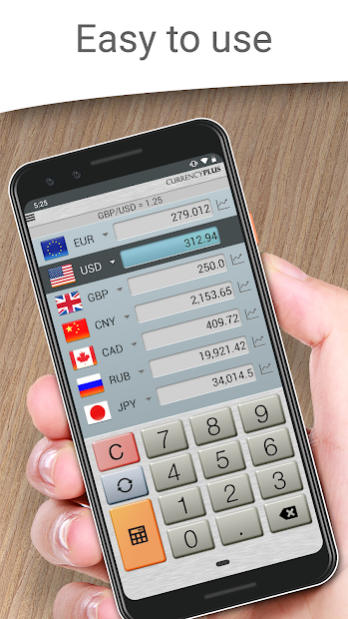
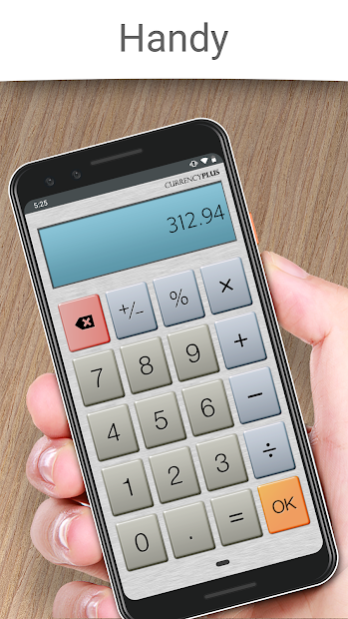

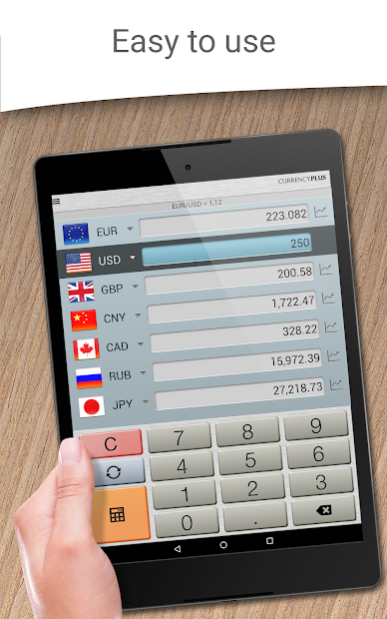

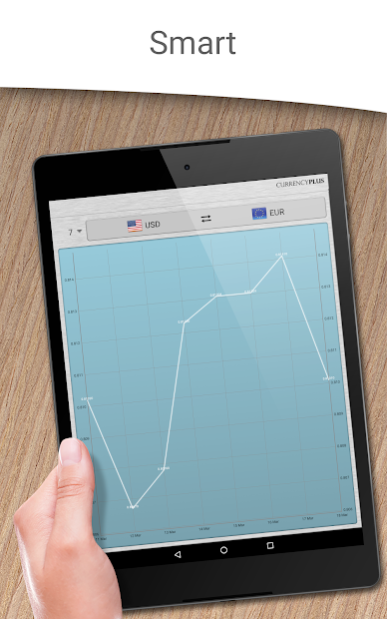
From the makers of Fraction Calculator Plus comes Currency Converter Plus - the easiest, most user-friendly stop for global exchange rates, with AccuRate™! With multiple currency fields, historic rate charts, and a built-in calculator for convenience, compare prices anywhere while traveling abroad to be sure you're getting the best deal at today's rate. All conversions use live exchange rates from AccuRate™, providing the most accurate rates available in the world. Plus, it still works offline for travel when exchange rate data is not available. The app even supports Bitcoin!
Features:
* Instant currency conversion by setting your own custom fields!
* Easy calculator with results in local currencies
* Historic rate charts and graphs (1 week - 1 year)
* Convert multiple currencies at once
* All world currencies, Bitcoin, and precious metals
* Offline exchange rate support for airplane or offline modes
* Live rates & graphs provided by AccuRate™
Supports currencies for every country including the dollar, euro, pound, yen, yuan, won, franc, ruble, dinar, peso, rupee, shilling, rial, kwacha, dirham, florin, guinea, krona, krone, riyal, colon, som, leu, virtual currencies like Bitcoin, plus precious metals like gold, silver, palladium, platinum and more!
Currency Converter Plus Free (C) 2019 Digitalchemy, LLC
About Currency Converter Plus
The company that develops Currency Converter Plus is Digitalchemy LLC. The latest version released by its developer is 2.7.1h.
To install Currency Converter Plus on your Huawei device, just click the green Continue To App button above to start the installation process. The app is listed on our website since 2023-02-03 and was downloaded 4 times. We have already checked if the download link is safe, however for your own protection we recommend that you scan the downloaded app with your antivirus. Your antivirus may detect the Currency Converter Plus as malware as malware if the download link to C101738529 is broken.
How to install Currency Converter Plus on your Huawei device:
- Click on the Continue To App button on our website. This will redirect you to Huawei Store.
- Once the Currency Converter Plus is shown in the Huawei Store listing of your Huawei device, you can start its download and installation. Tap on the Install button located below the search bar and to the right of the app icon.
- A pop-up window with the permissions required by Currency Converter Plus will be shown. Click on Accept to continue the process.
- Currency Converter Plus will be downloaded onto your device, displaying a progress. Once the download completes, the installation will start and you'll get a notification after the installation is finished.
